Tailwind CSS – Fade
A plugin that provides a composable API for adding a fade effect to the elements.

Must say, product @fadeaway is a game-changer! Solved critical issues we've been grappling with for a while. Kudos to the team behind! #ProductRevolution

I'm floored how much value to our work @fadeaway delivers. The 'wow' moment was immediate. #HighlyRecommended product.

The interface of @fadeaway has won our team over. So intuitive and user-friendly. Makes work much more efficient.

Absolutely blown away by the thoughtful design of @fadeaway. Never thought a product could bring such a huge shift in our daily operations.

'Killer app' doesn't do justice to @fadeaway. This innovative product is reshaping our entire workflow. The team behind truly 'gets it'. #VisionaryProduct

Can't imagine my work life without @fadeaway anymore. It turned the tide for us in solving major challenges. Must-have for any team.
Setup
Install and Setup
Install the plugin from npm:
Then add the plugin to your tailwind.config.js file:
Basic Usage
Direction
Start by adding a `fade-{direction}` utility to the container to create a fade effect on one or both sides.
fade-tfade-rfade-bfade-lfade-xfade-ySize
Start by adding a `fade-{direction}` utility to the container to create a fade effect on one or both sides. Note, as a fade property you point the side that you want to fade away (disappear), not the one that you want to stay visible. Meaning if you want to fade the bottom, you use `fade-b`.
Smooth
Plugin uses `fade-smooth as a default smoothing option. This is a generally good default that works great in the most cases. However you might be interested in using `fade-ease-in if you want to create a safe-zone for you content while keeping most of the image relatively visible.
For a small size fade effects, like 20 to 80 pixels, `fade-ease-out` smoothing works much better.






Tailwind CSS – Fade
A plugin that provides a composable API for adding a fade effect to the elements.
Demos
Live App
Install the plugin from npm:


 Rock classics
 Premiere
 Playlist of the day
Popular albums
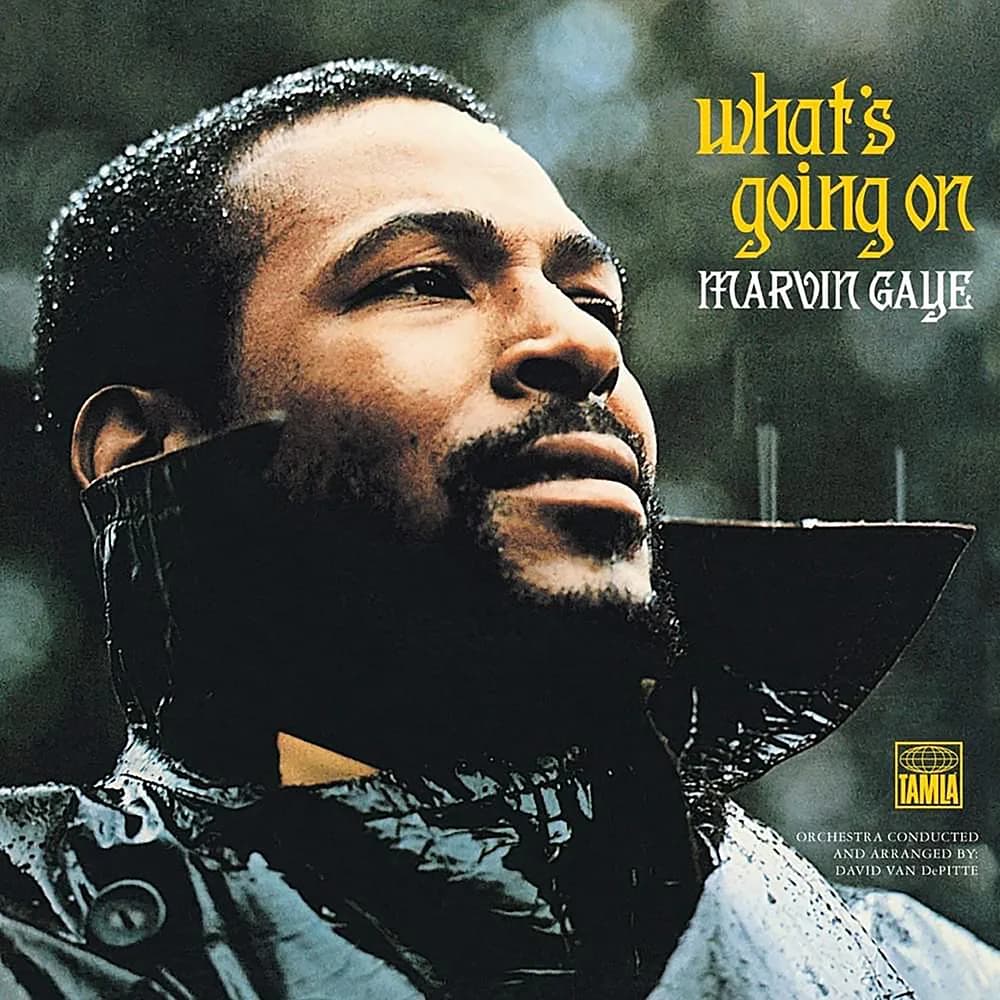
Marvin Gaye
What's Going On

Nirvana
Nevermind

The Beatles
Abbey Road

Fleetwood Mac
Rumours

RHCP
Californication

Pink Floyd
The Wall

Amy Whinehouse
Back to black
Find your next favourite song




Rock Classic
The Beatles
Abbey Road
Fleetwood Mac
Rumours
RHCP
Californication
Pink Floyd
The Wall
Amy Whinehouse
Back to black

Red Hot Chili Peppers - Give It Away
Red Hot Chili Peppers - Give It Away